
No products
Prices are tax excluded

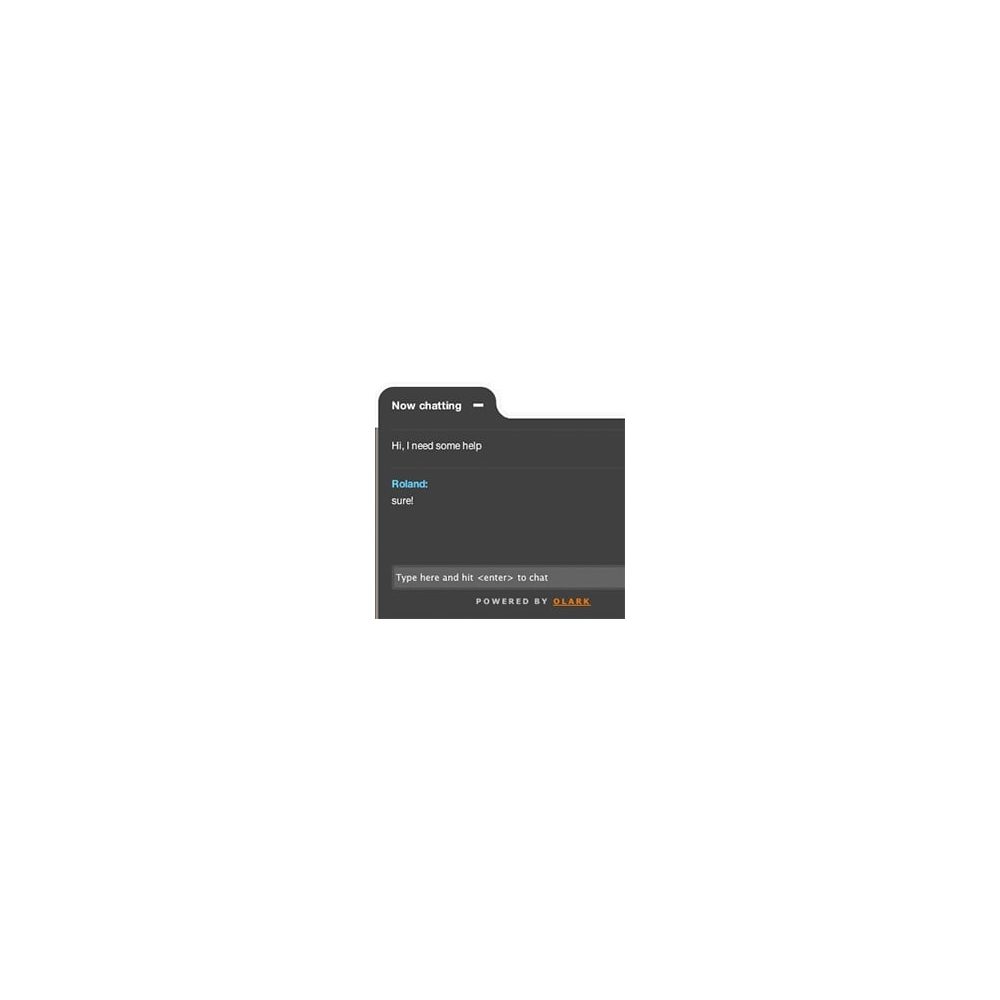

Livechat Olark
blockolark
This module allows you to easily integrate the script live chat OLARK.
This service lets you chat with your visitors directly to create a special relationship with them and thereby grow your business.
Customers has increasingly need direct relationship with the eCommerce and order in peace of mind.
Option

Data sheet
| Version | 1.5.0 |
| Core modifications (override) | No |
| Third party subscription: | Yes |
| Translation : | de-en-es-fr-gb-it-ja-nl-pl-pt-zh |
| Compatible Prestashop 1.5 | Yes |
| Compatible Prestashop 1.6 | Yes |
| Compatible Prestashop 1.7 | Yes |
| Responsive Design | Yes |
| Multi Shop compatible: | Yes |
| Free module download | https://link.prestatoolbox.fr/blockolark |
| Service Url | https://link.prestatoolbox.fr/olarkpricing |
| PrestaShop Forum | https://www.prestashop.com/forums/topic/631847-free-module-olark-integration-on-prestashop/ |
| Forum Thirty Bees | https://forum.thirtybees.com/topic/1661/feee-module-olark-on-your-site |
More info
All the action inside your IM client
See all the activity on your site at once in real-time and proactively chat with your visitors. If you already have an IM client (even a mobile one on your iPhone, Android, or Blackberry), you're ready to use Olark. Live inside Gmail? You can carry on live chats without leaving the site! Any chat client that supports Jabber/XMPP or Gtalk is perfect for chatting with visitors on your site (like iChat, Adium, Pidgin, Meebo, GTalk, etc)!
Beautiful visitor experience
Our customizable chat box stays on your page so that visitors can easily chat and continue activity on your site (like buying more product!). The chat box is customizable with different themes, colors, and multiple language strings.
Callout images, offline messages, and pre-chat name and email are all a snap (if visitors log into your site, ask us about how you can display the ACTUAL name of your visitors without even asking!). For pro users we even have an optional CSS customization upgrade for even more control over the look and feel.
Perfect for teams
No live chat system is more effective for teams, especially if team members are often multi-tasking. Team members (operators) can be logged into different chat clients from multiple locations at once, even on the go. Chats are distributed among operators by either first response or round-robin. They can be routed to different groups, transferred to other operators, saved as transcripts, and even sent to a CRM system.
CRM & Helpdesk Integration
Never miss a lead, never drop the ball.
Now all your important customer interactions are in one place. Full-text chat transcripts can automatically be sent to Highrise, Salesforce, or Zendesk!
Interested in product
Tell us your interest in this product and we will contact you for more details.
Reviews